Install guide
reMarkable Paper Pro
How to install Margin’s PDF templates to your device.
The device
- Screen
- 11.8″ colour
- Resolution
- 1620×2160, 229 ppi
- Price
- $629 at reMarkable ↗
- Template file
- 11.8″ 3:4
Prices are the makers’ own US prices (Amazon’s for Kindle) on October 6, 2026. We don’t sell devices.
Install a template
- On the template’s page, choose reMarkable Paper Pro in the device menu and download the PDF. Templates you’ve bought are also in your library.
- Import it with the reMarkable desktop app (drag it into the window, or click Import), the mobile app (tap Import, or share the PDF to “Import with reMarkable”) or my.remarkable.com (drag it into the file list). Files can be up to 100 MB.
- To skip the cloud, connect the tablet by USB, turn on the USB web interface under Settings › General settings › Storage, open 10.11.99.1 in your computer’s browser and drag the PDF in.
- The PDF syncs to reMarkable Paper Pro over Wi-Fi. Open it there and write on the pages.
From reMarkable support: Importing and exporting files. Checked October 6, 2026.
38 templates for the reMarkable Paper Pro


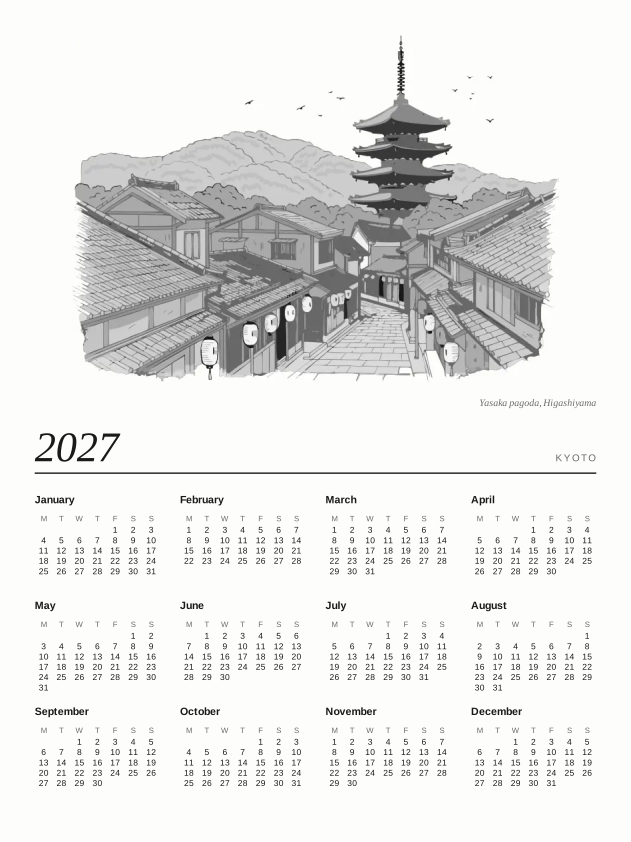
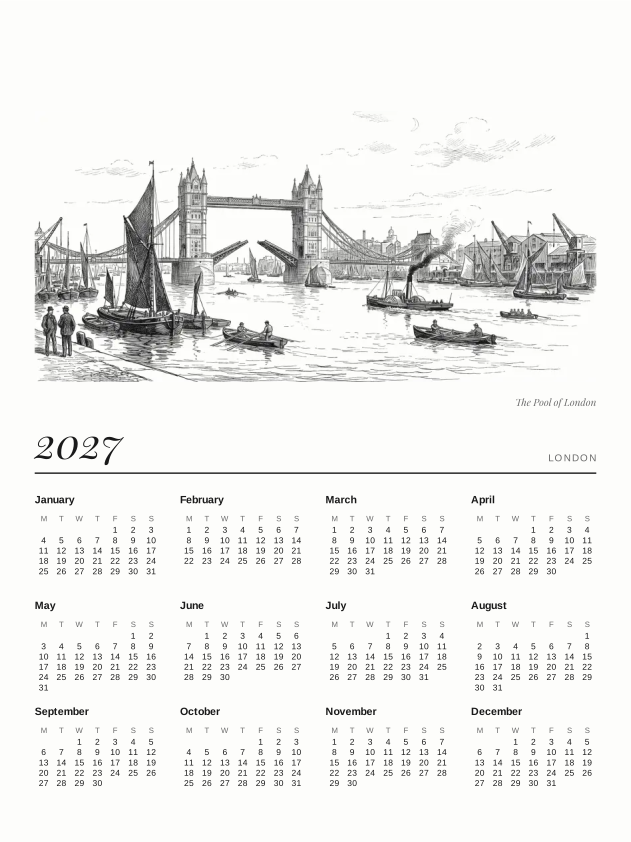
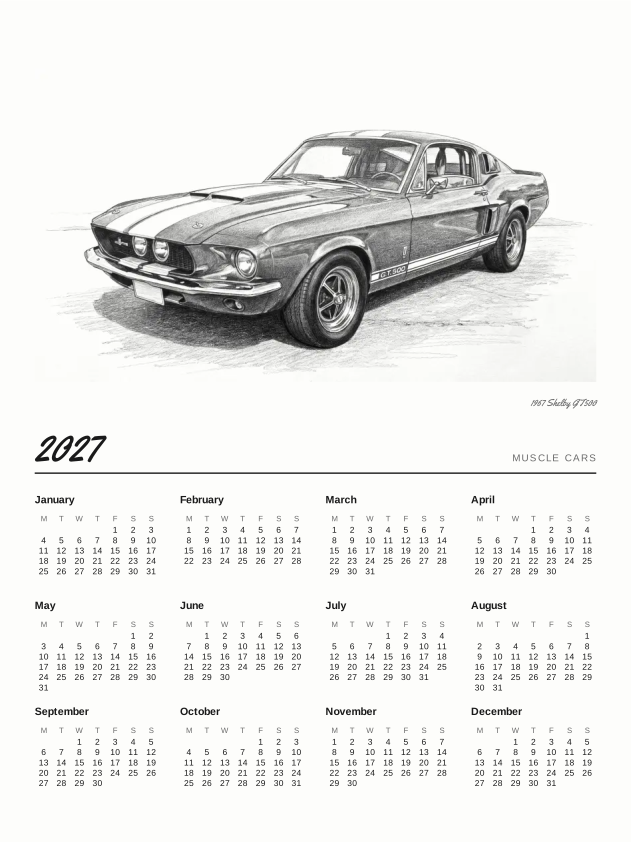
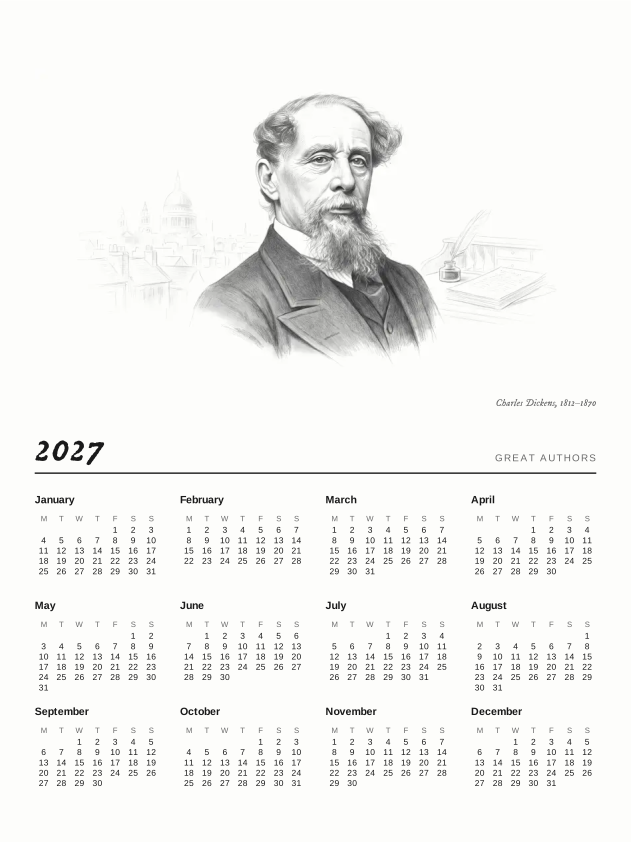



Kyoto Sleep Screens$6.99

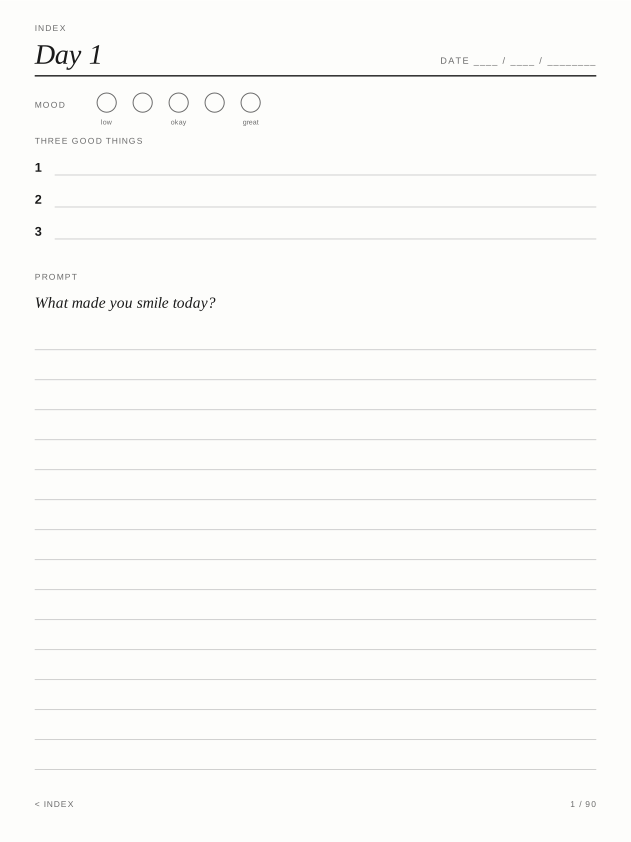
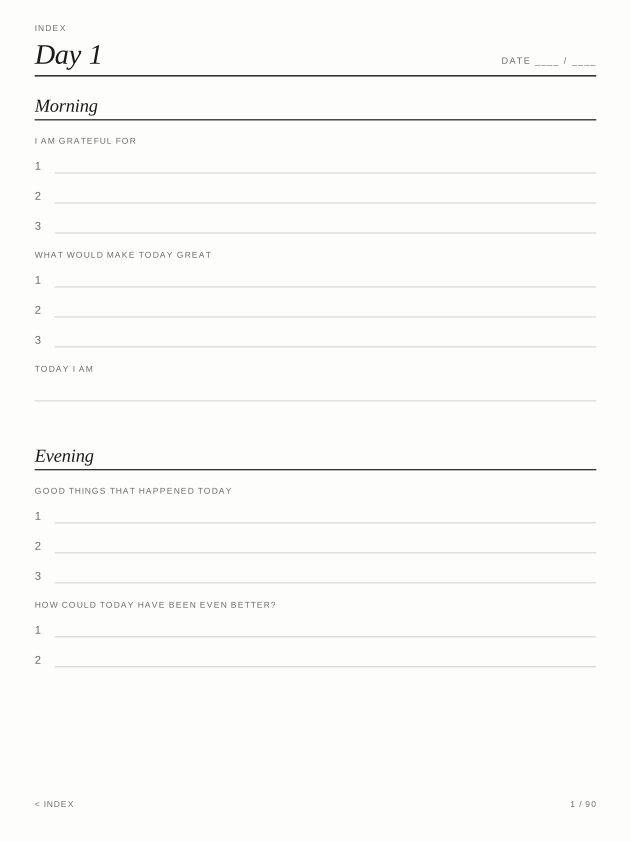
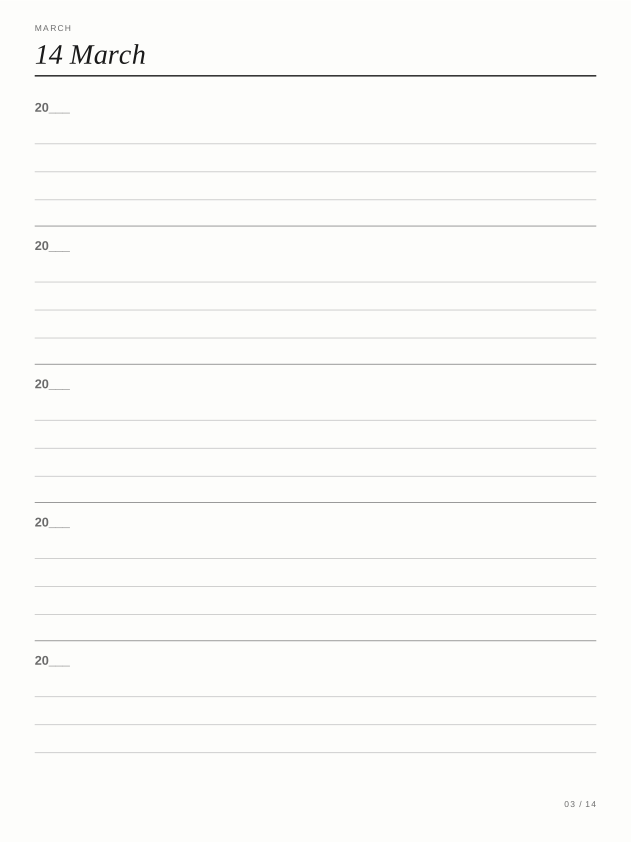
Five-Year Journal$3.99
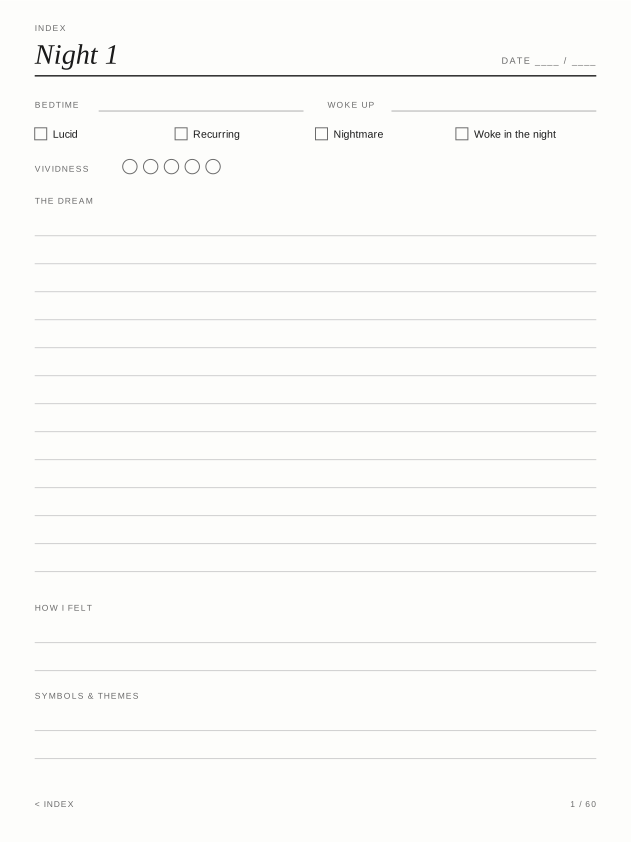
Dream Journal$2.99
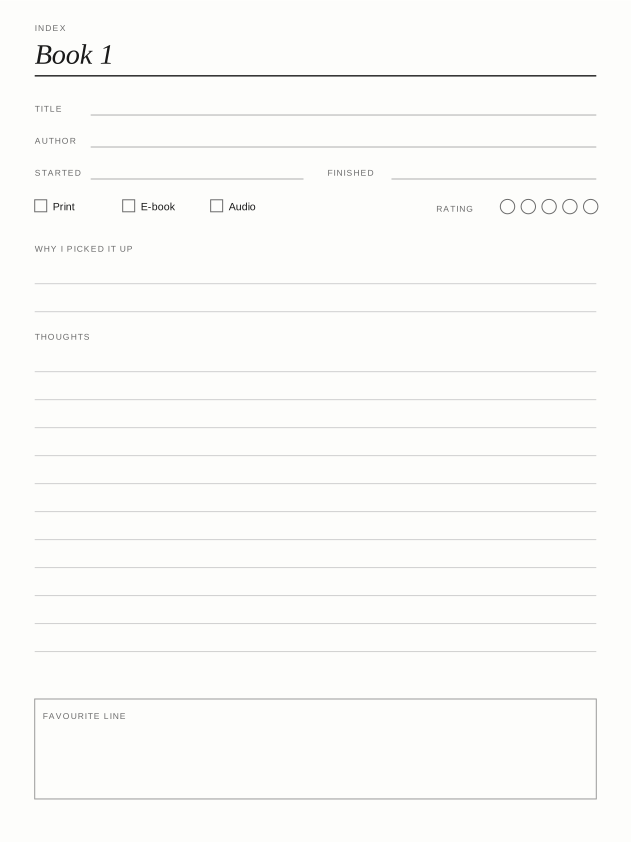
Reading Log$2.99
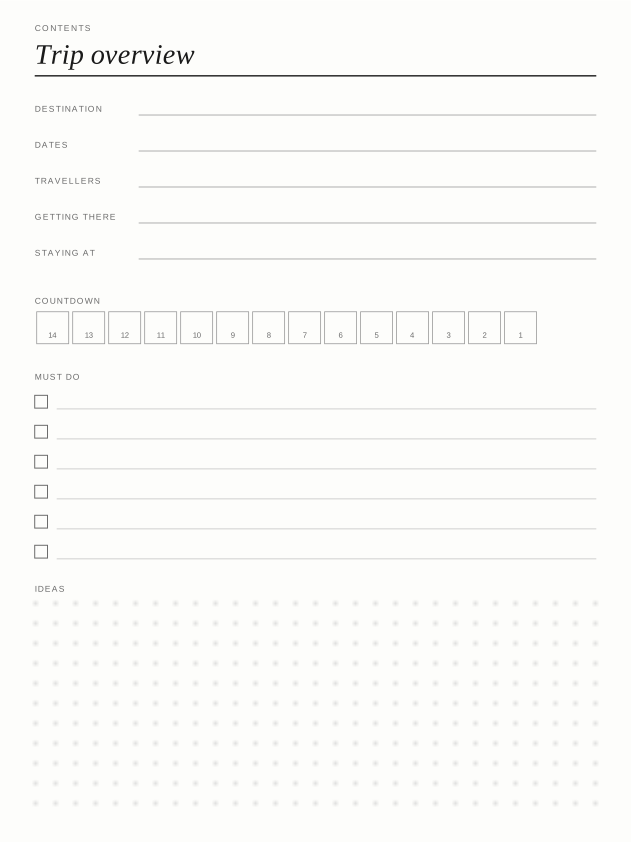
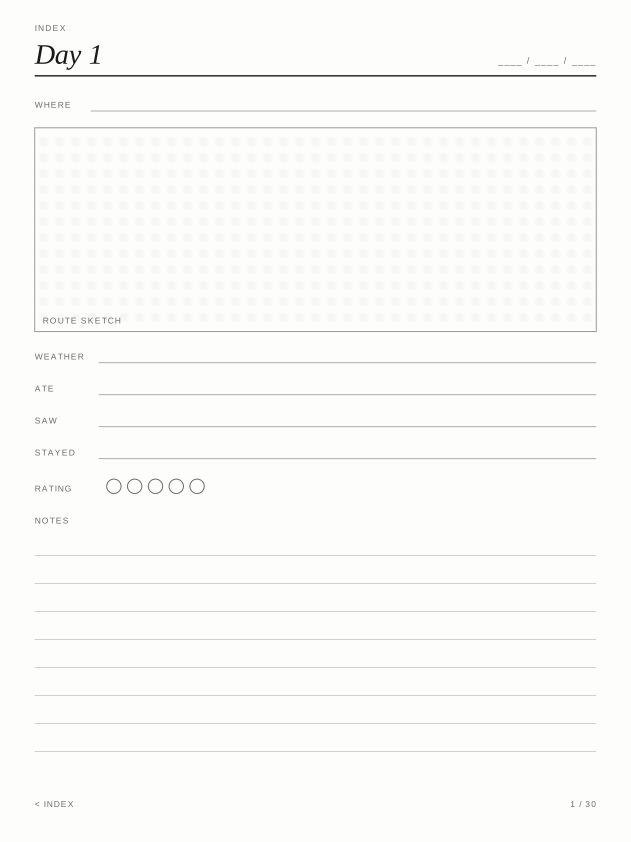
Trip Planner$2.99
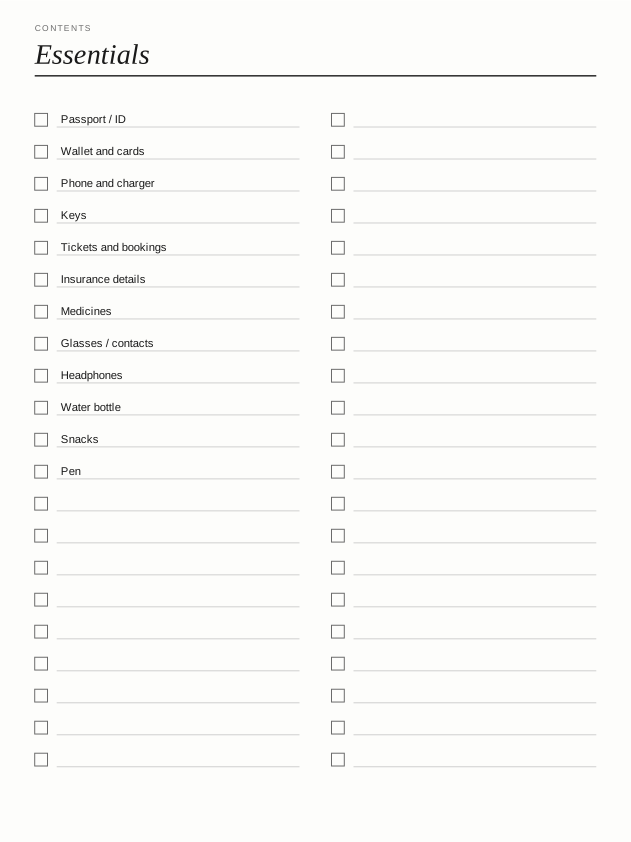
Packing Lists$2.99

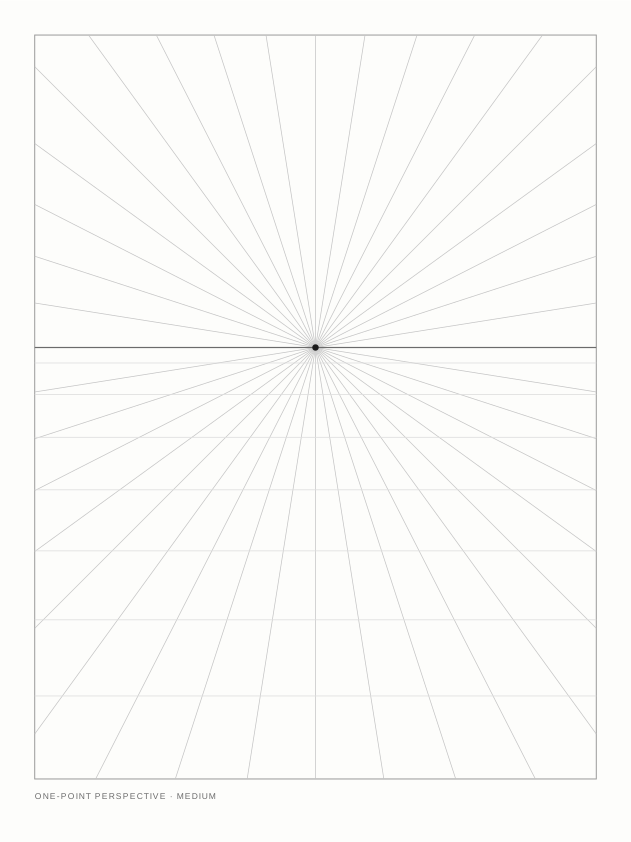
Travel Sketchbook$2.99

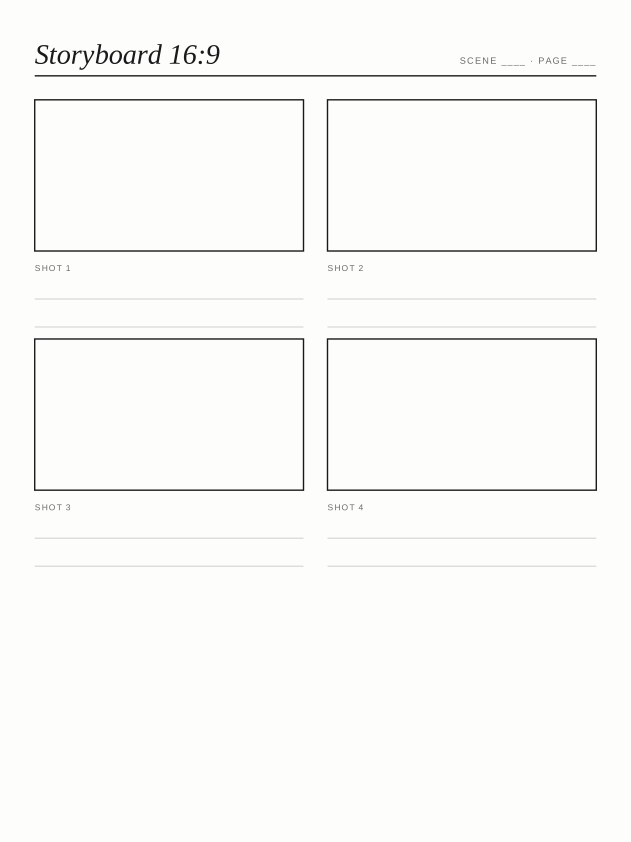
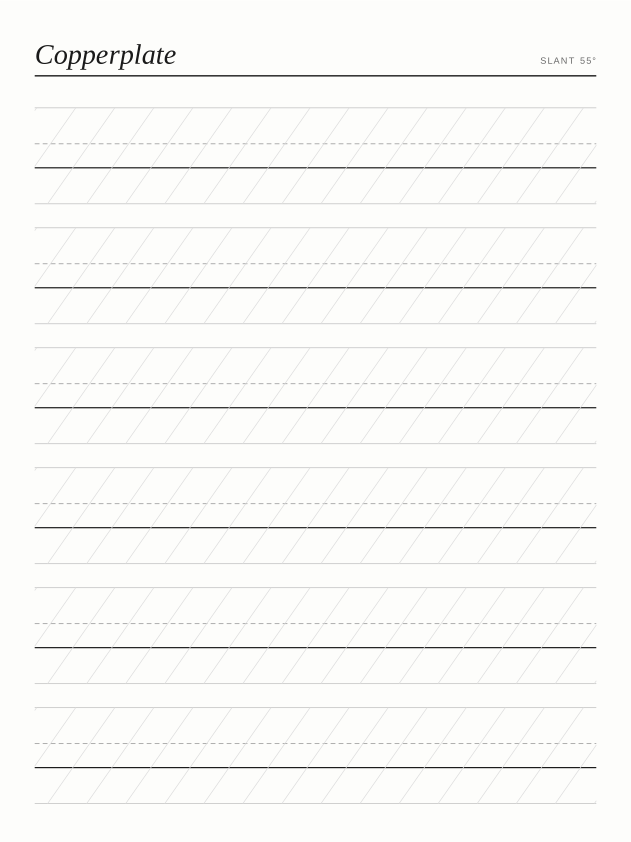
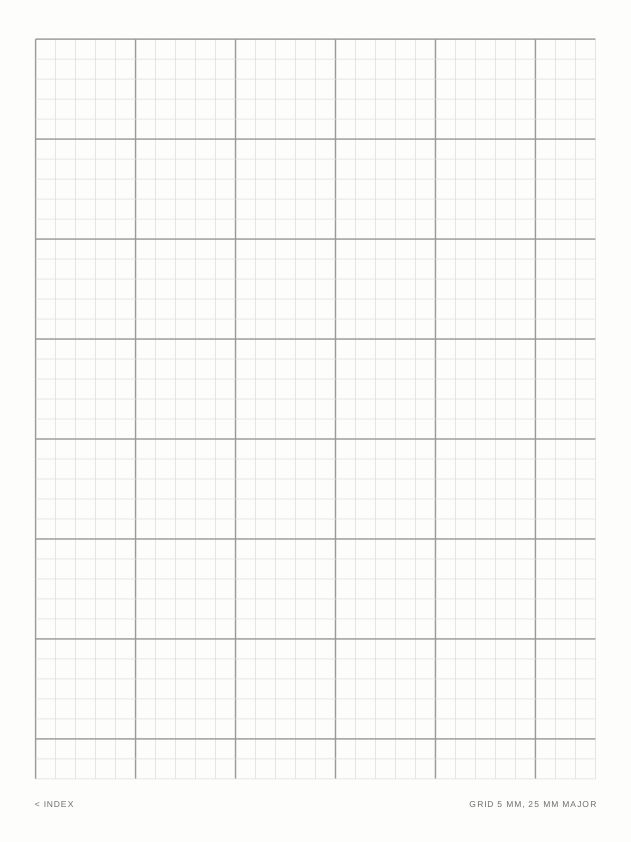
Paper Essentials$2.99
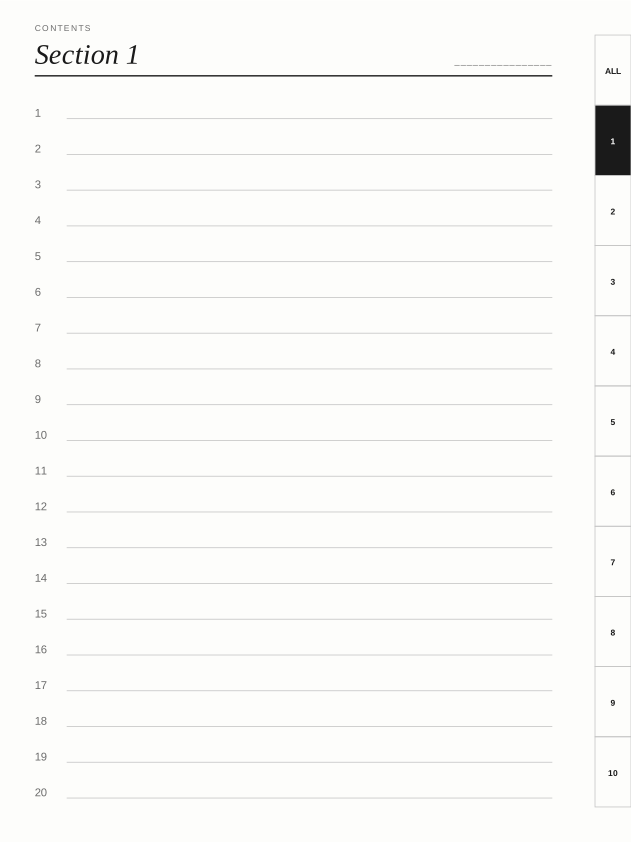
Linked Notebook$2.99
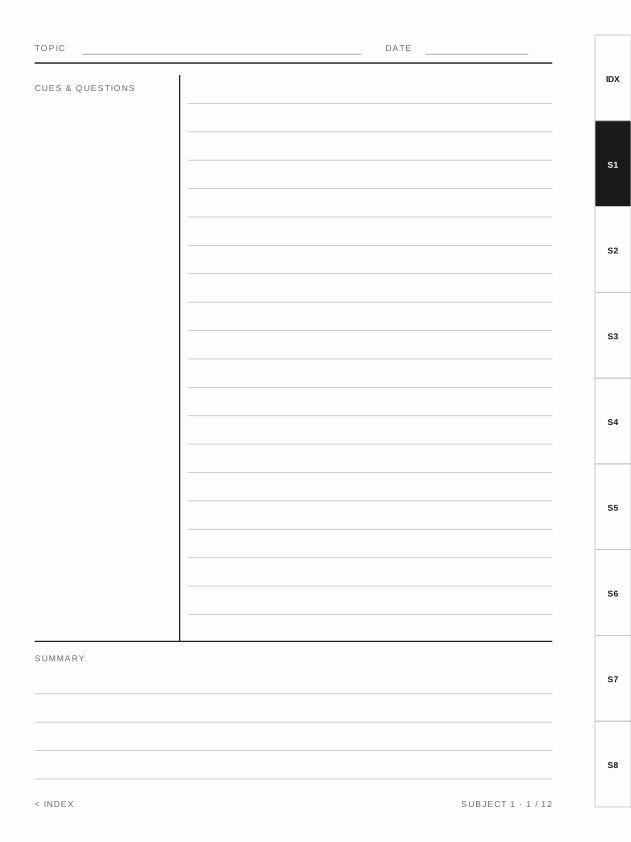
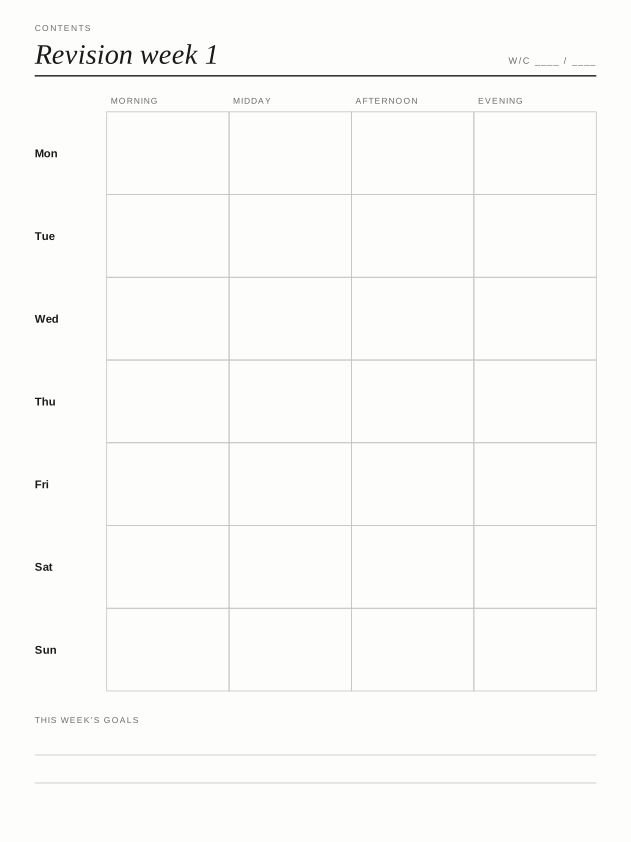
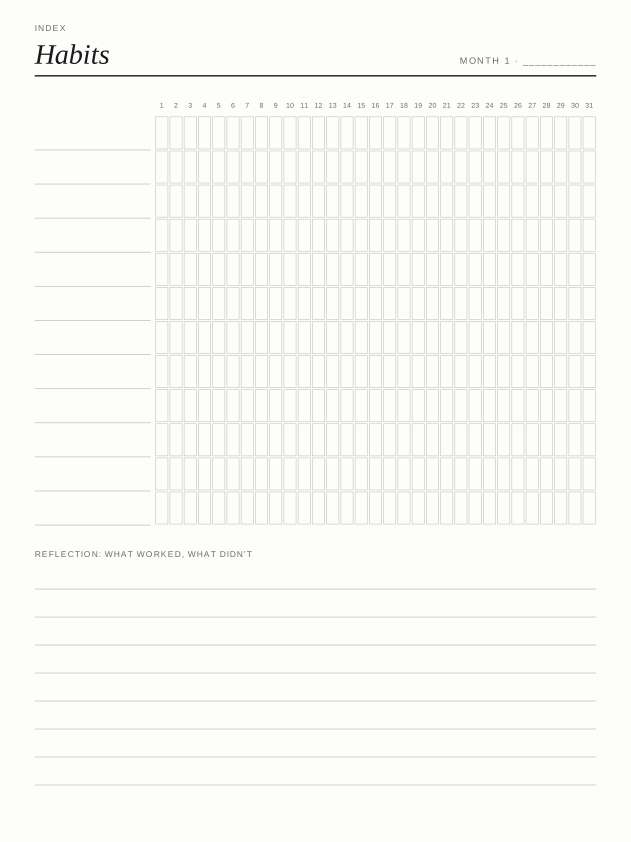
Habit Tracker$2.99
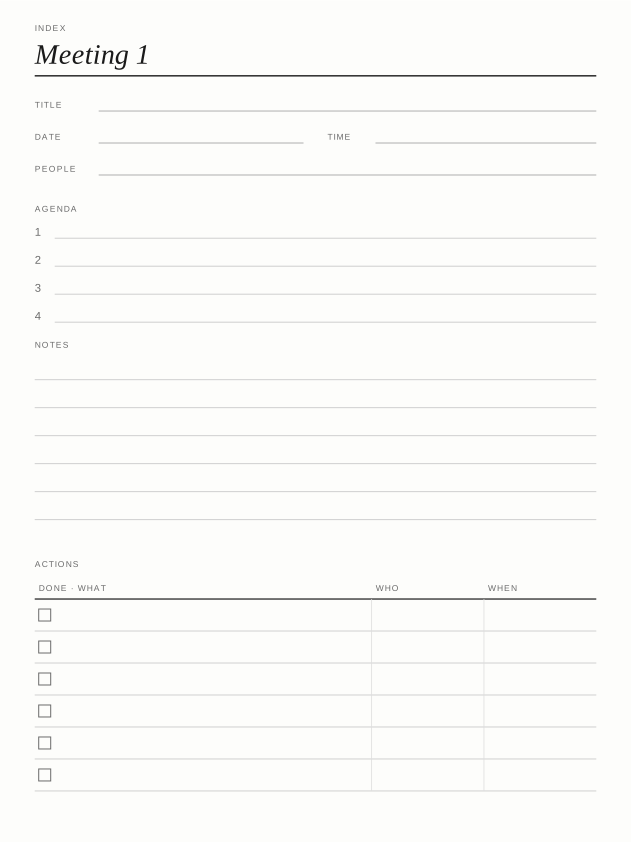
Meeting Notes$2.99
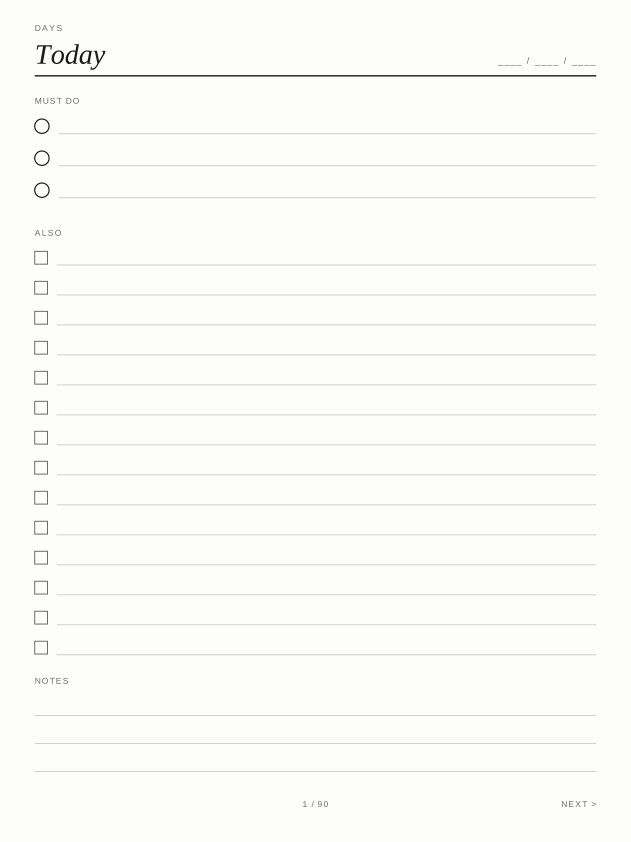
To-Do & Priorities$2.99
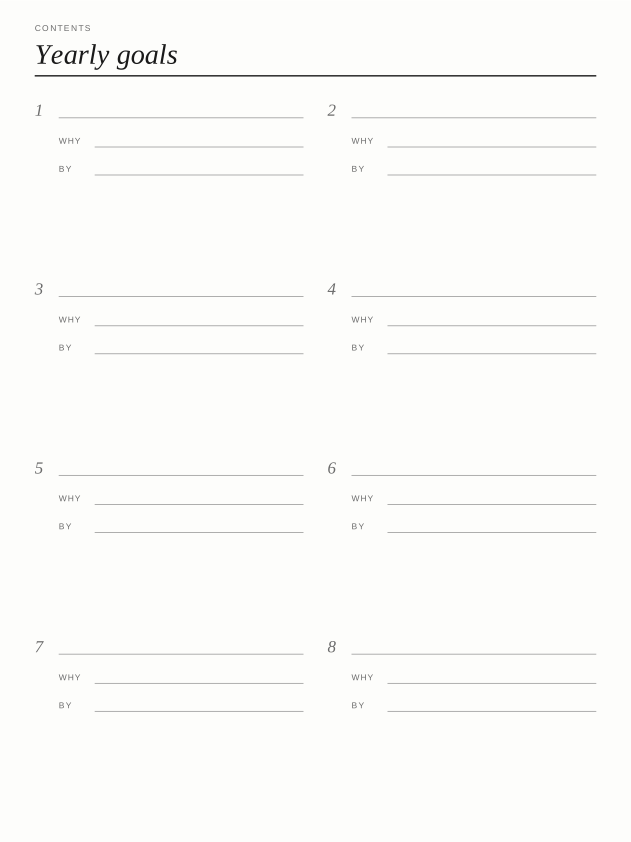
Goal Planner$2.99
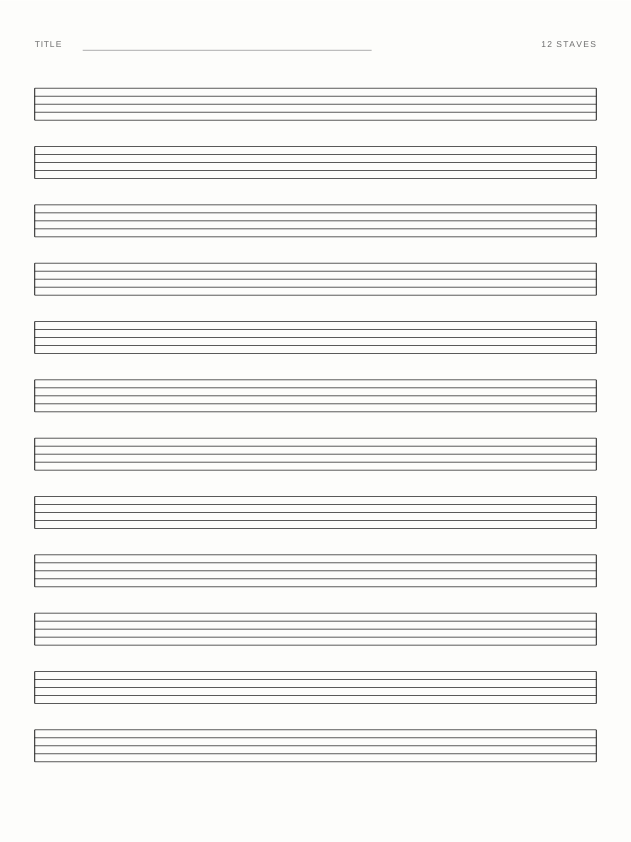
Staff Paper Set$2.99
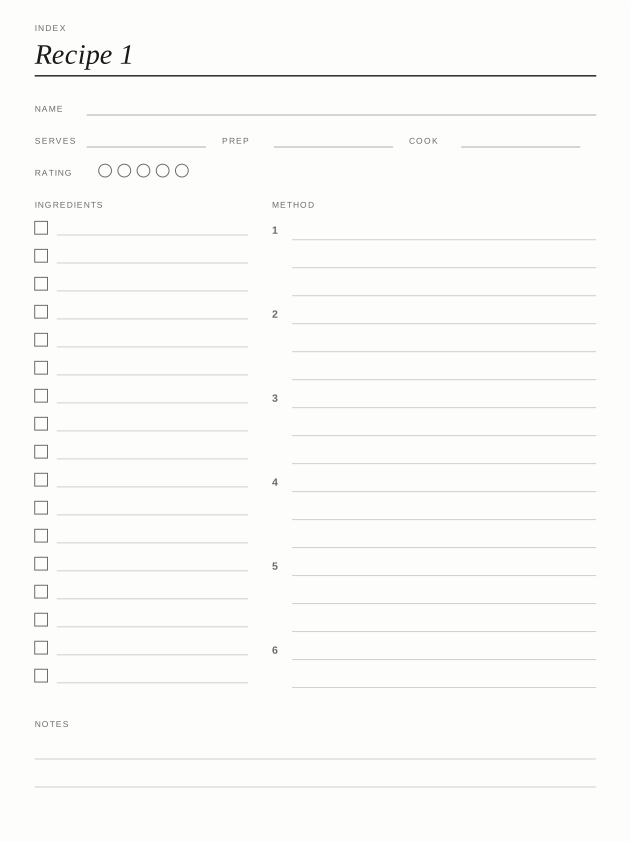
Recipe Book$2.99
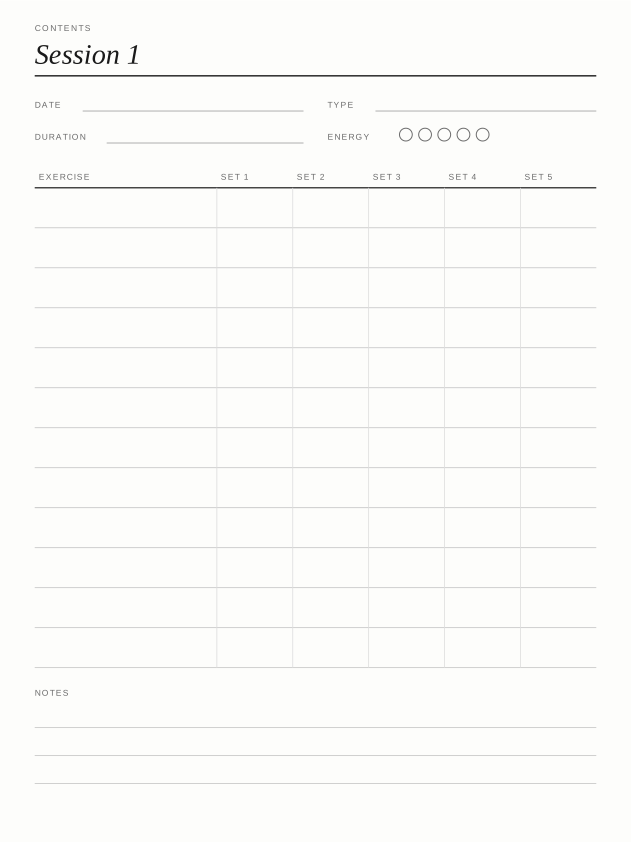
Workout Log$2.99