Install guide
Boox Note Max
How to install Margin’s PDF templates to your device.
The device
- Screen
- 13.3″ monochrome
- Resolution
- 2400×3200, 300 ppi
- Price
- $629.99 at Boox ↗
- Template file
- 13.3″ 3:4, the same file as the Boox Tab X C
Prices are the makers’ own US prices (Amazon’s for Kindle) on October 6, 2026. We don’t sell devices.
Install a template
- On the template’s page, choose Boox Note Max in the device menu and download the PDF. Templates you’ve bought are also in your library.
- Open BooxDrop on Boox Note Max (from Apps, or swipe down and long-press the transfer button). On a computer on the same Wi-Fi, go to push.boox.com or the address BooxDrop shows, and send the PDF.
- Or copy it over USB, or open it from Dropbox, Google Drive or OneDrive.
- Open it in NeoReader and tap the Handwriting icon in the menu to write on the page.
From BOOX: BooxDrop; BOOX: 5 tips for taking in-book notes; The eBook Reader: 9 ways to transfer files to Boox devices. Checked October 6, 2026.
36 templates for the Boox Note Max
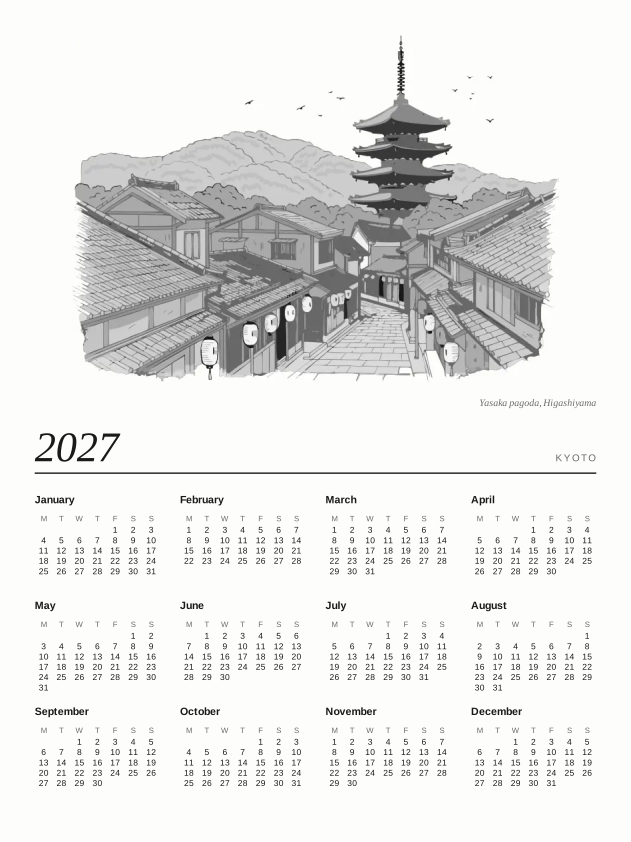


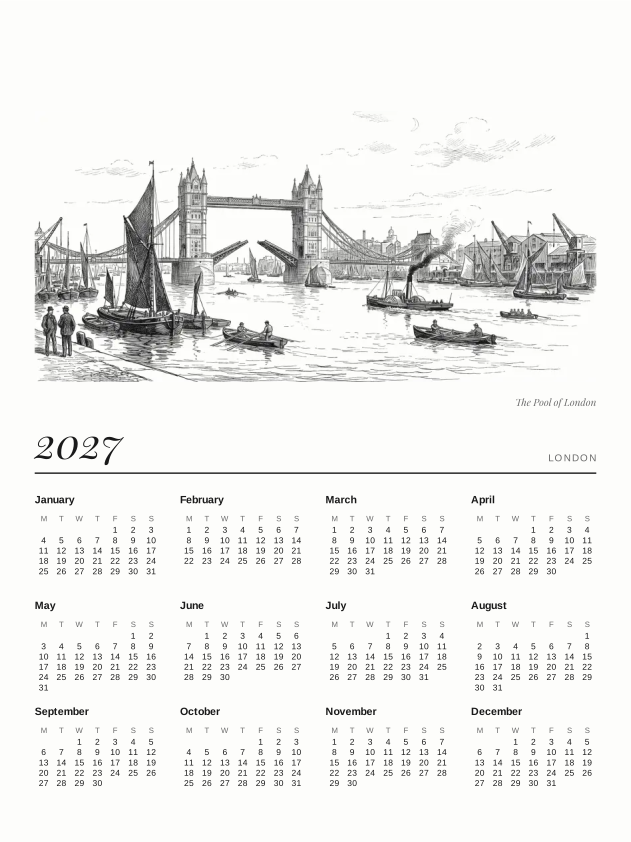

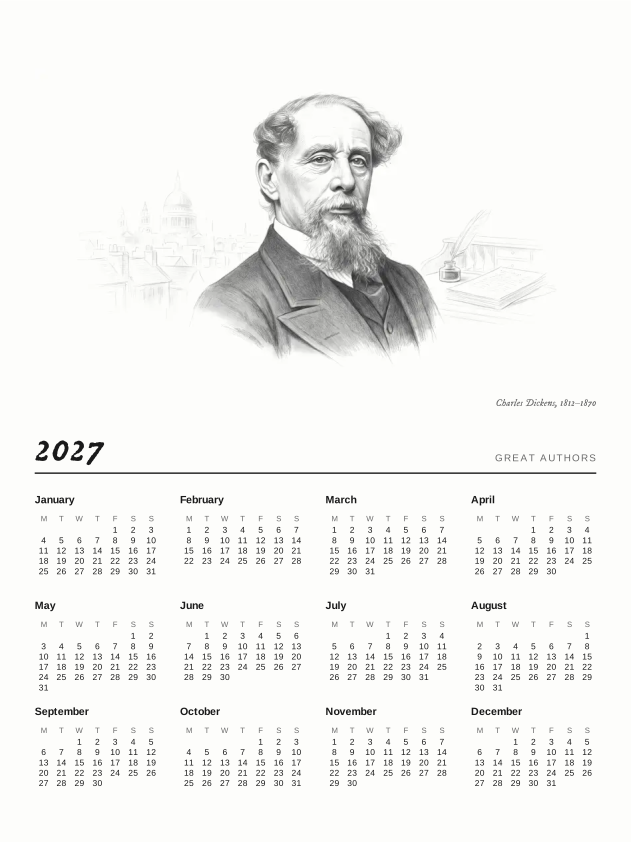



Kyoto Sleep Screens$6.99

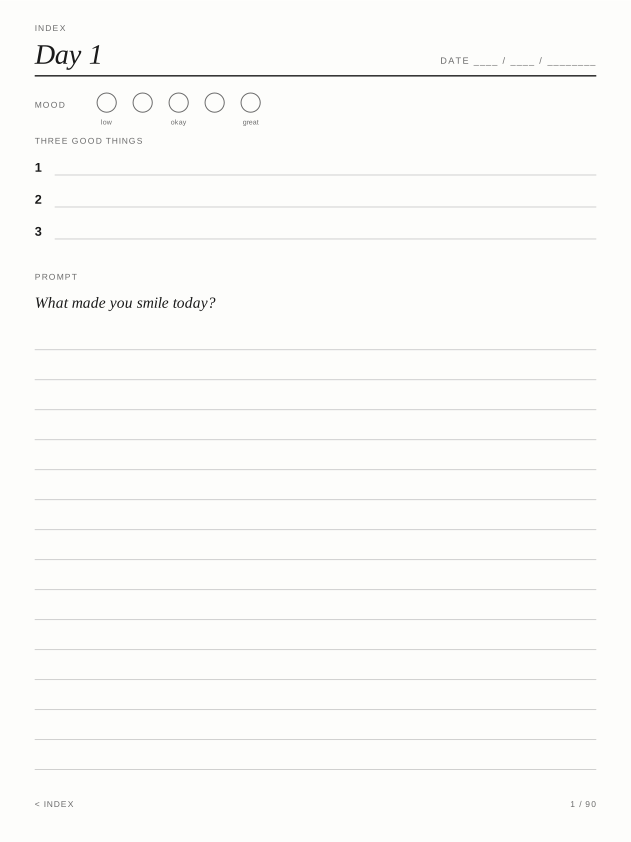
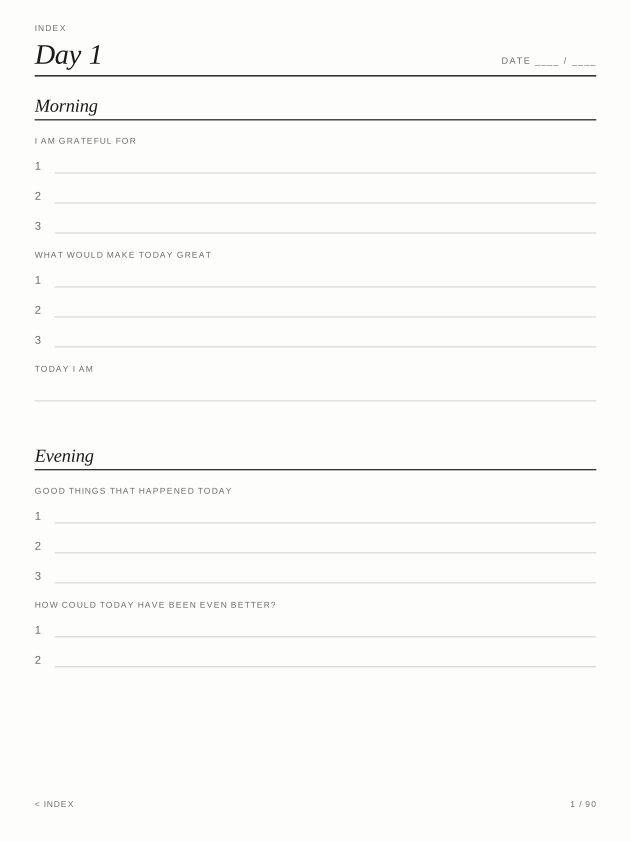
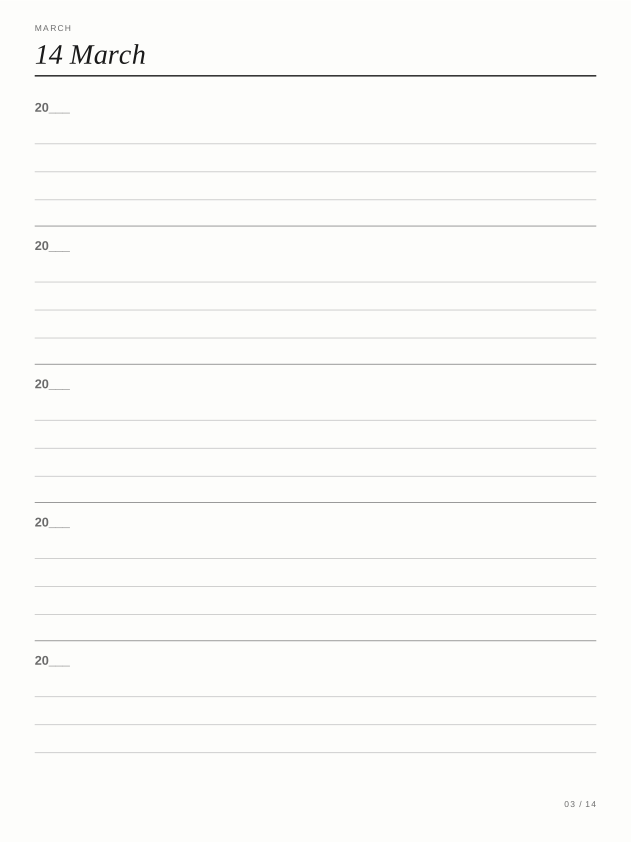
Five-Year Journal$3.99
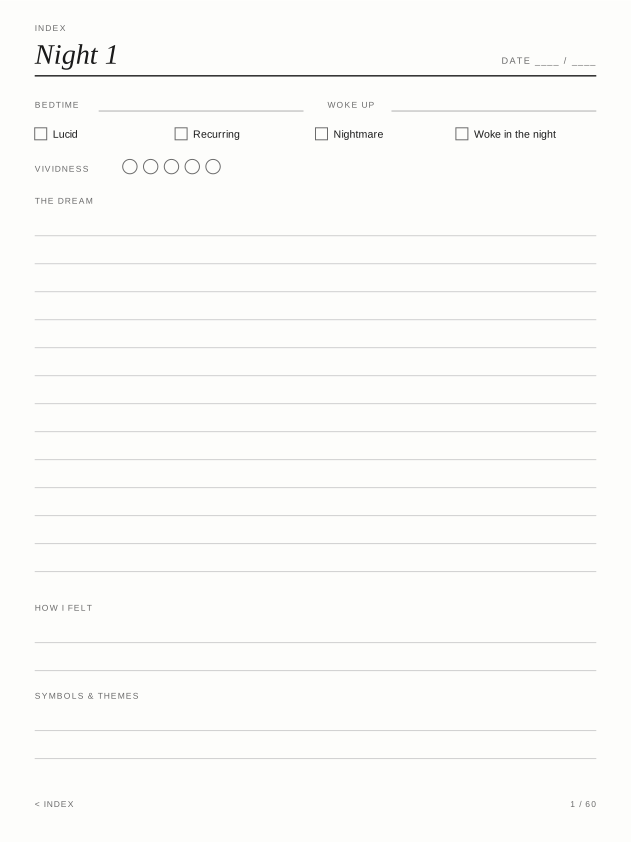
Dream Journal$2.99
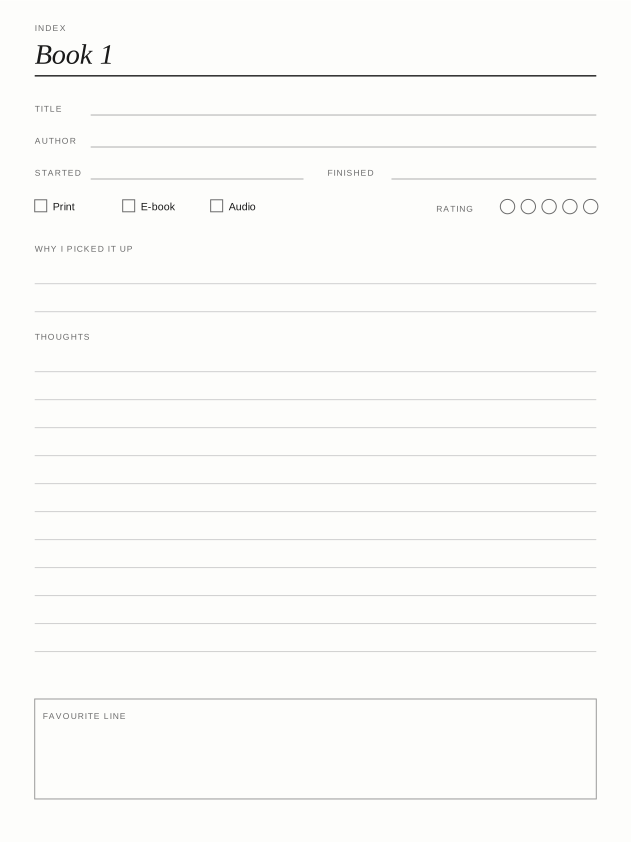
Reading Log$2.99
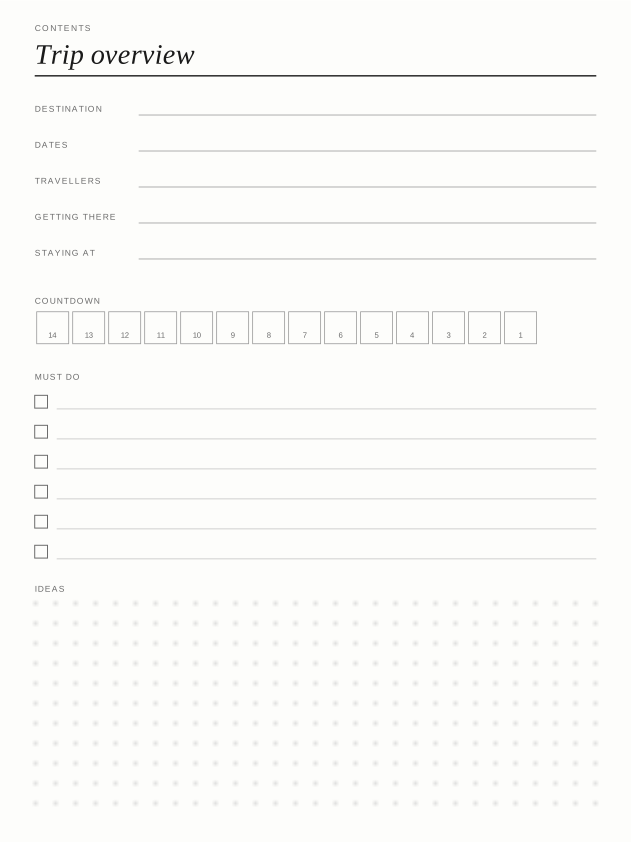
Trip Planner$2.99
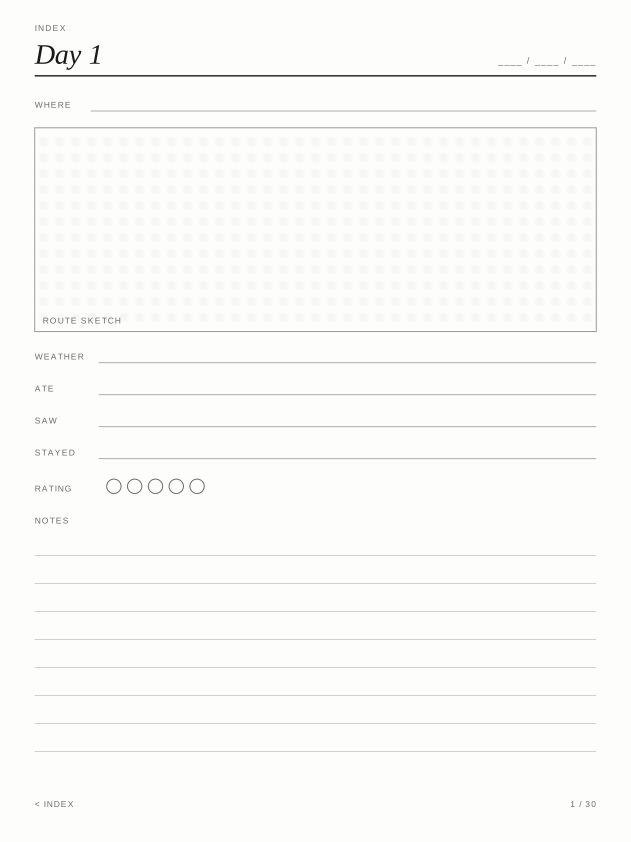
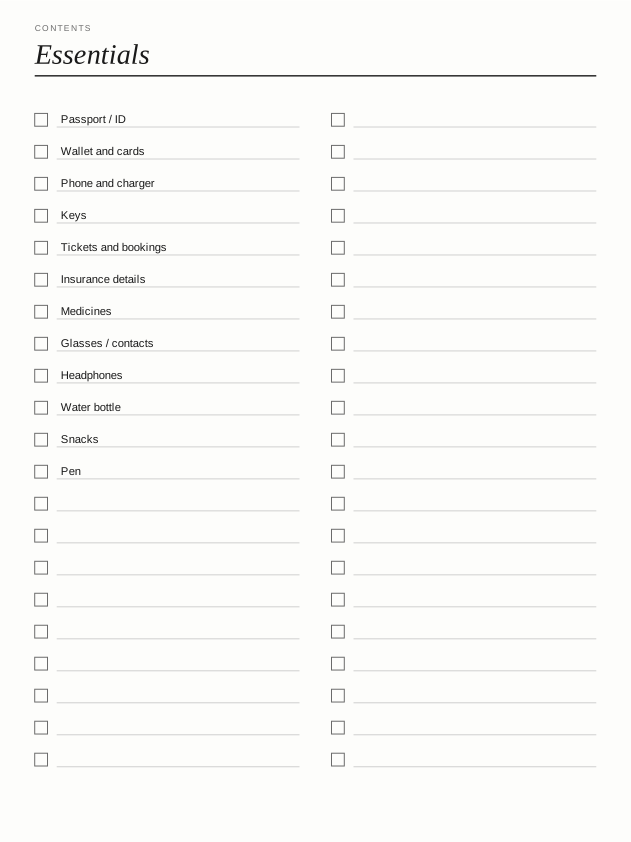
Packing Lists$2.99
Travel Sketchbook$2.99
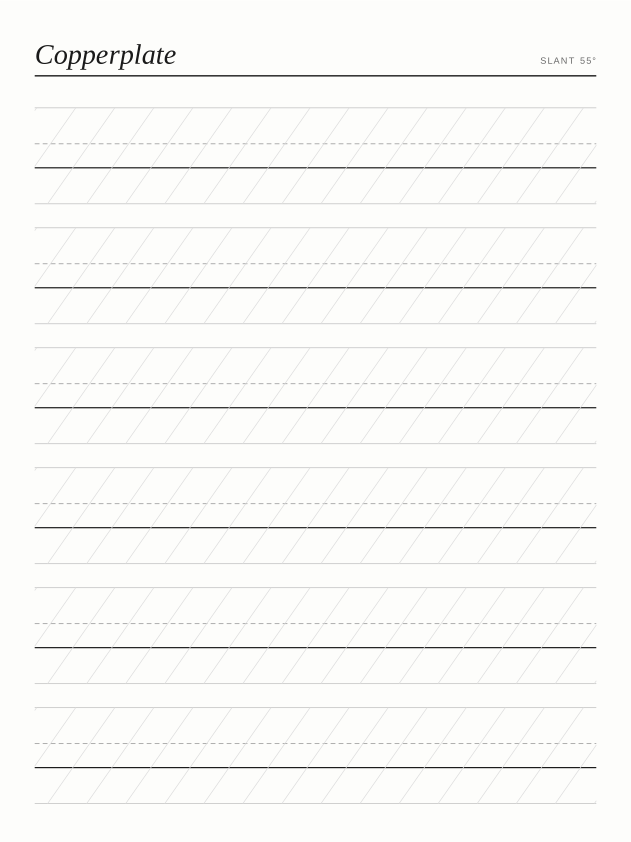
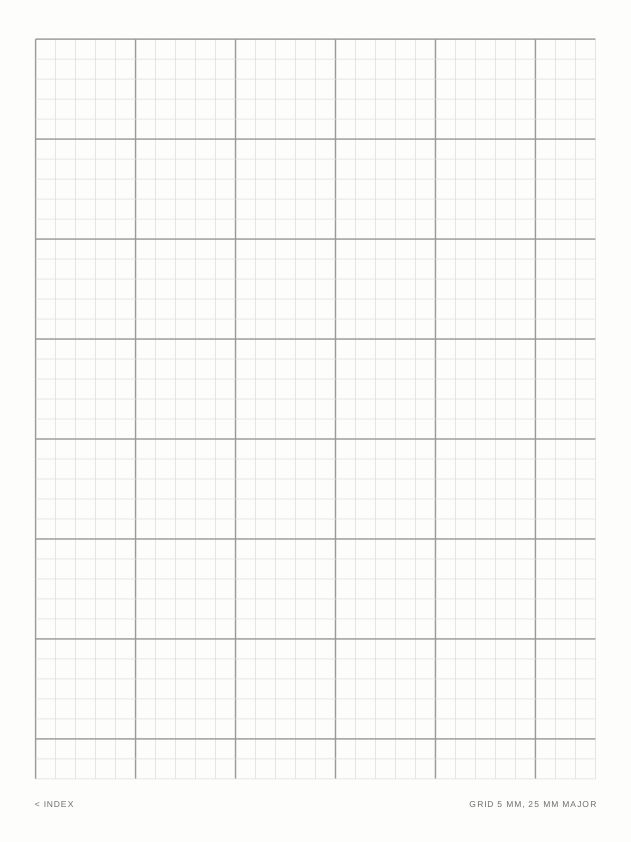
Paper Essentials$2.99
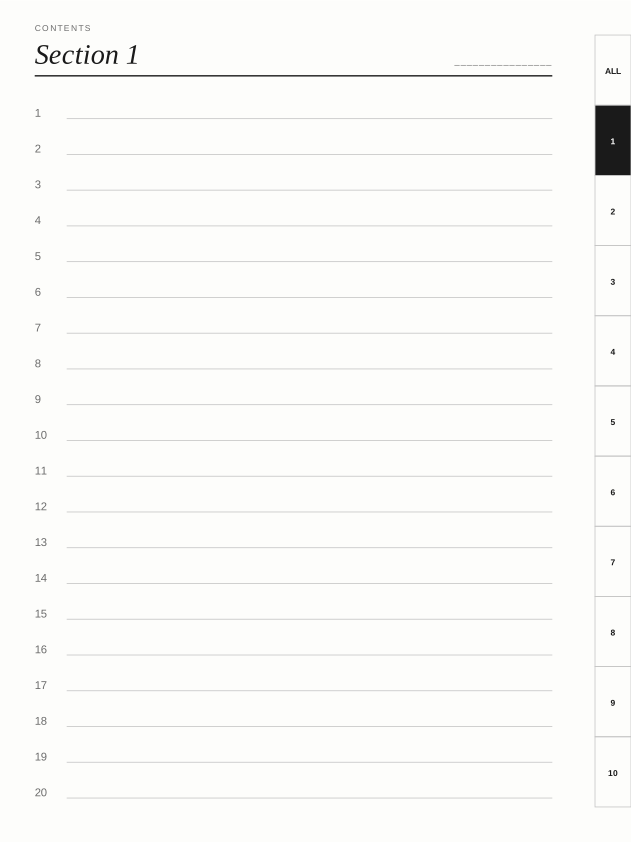
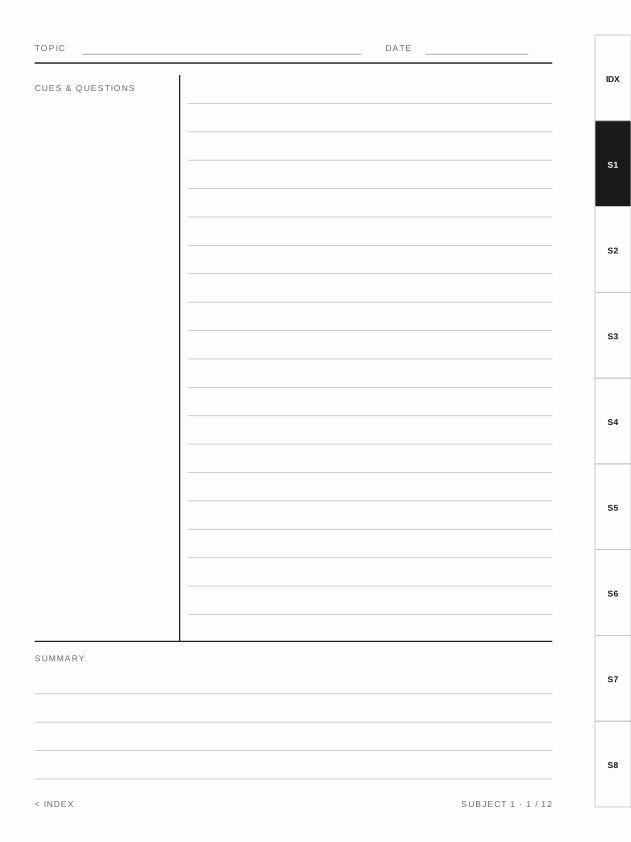
Linked Notebook$2.99
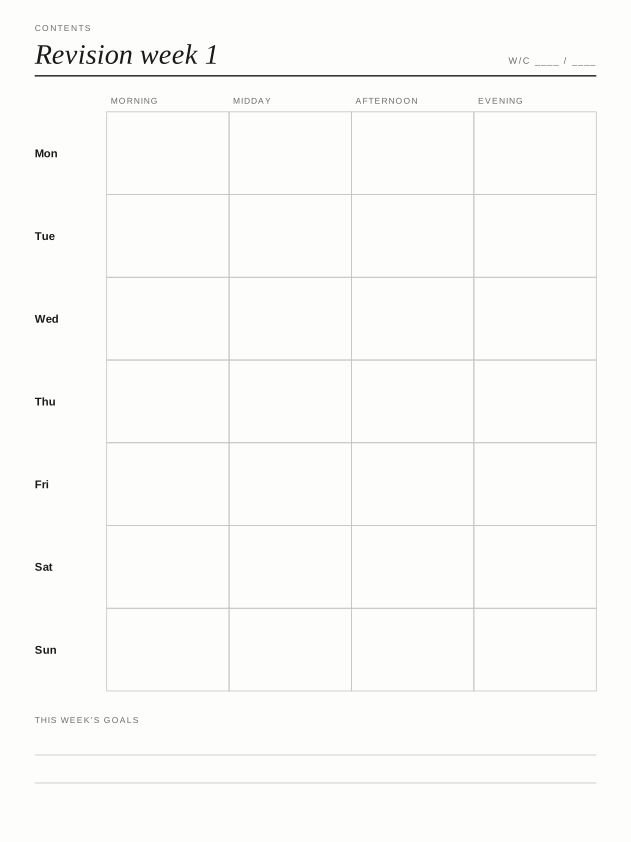
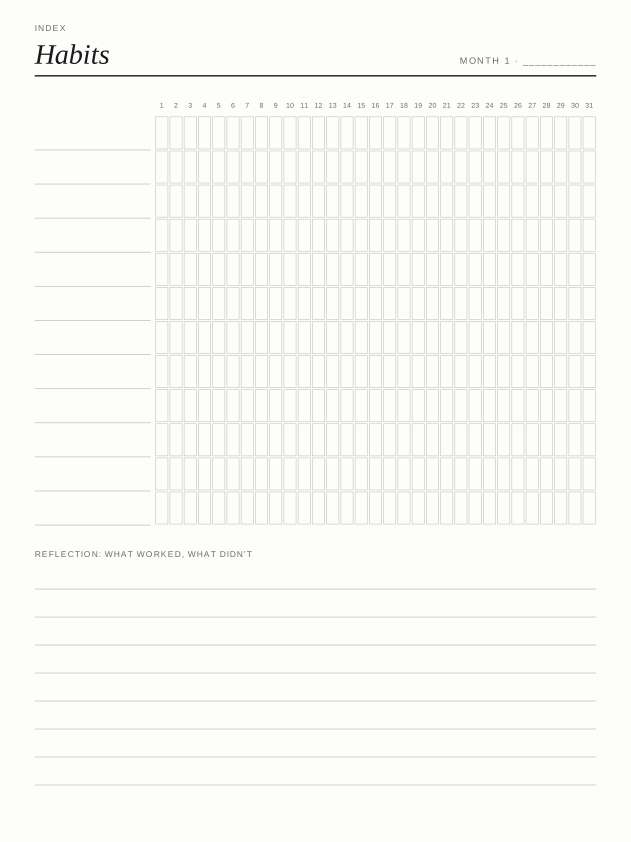
Habit Tracker$2.99
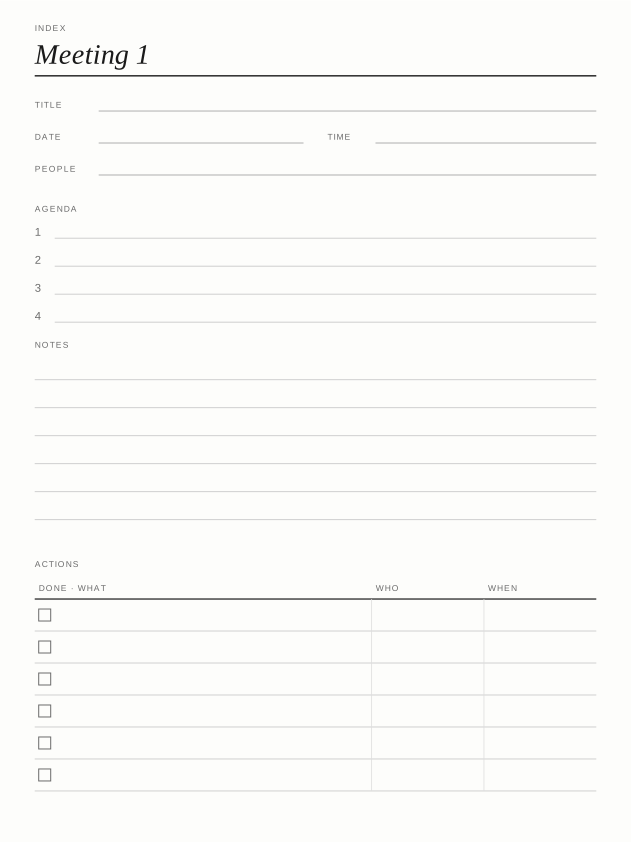
Meeting Notes$2.99
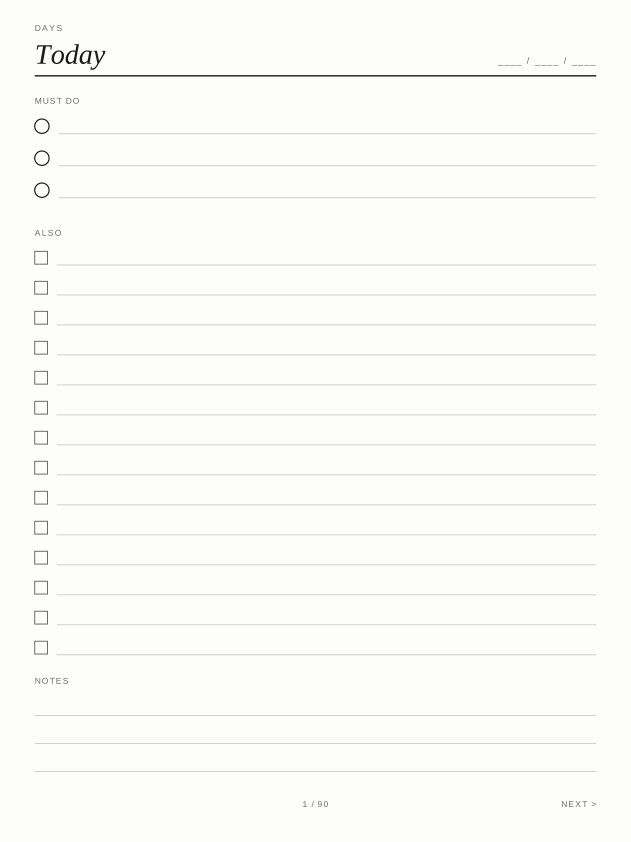
To-Do & Priorities$2.99
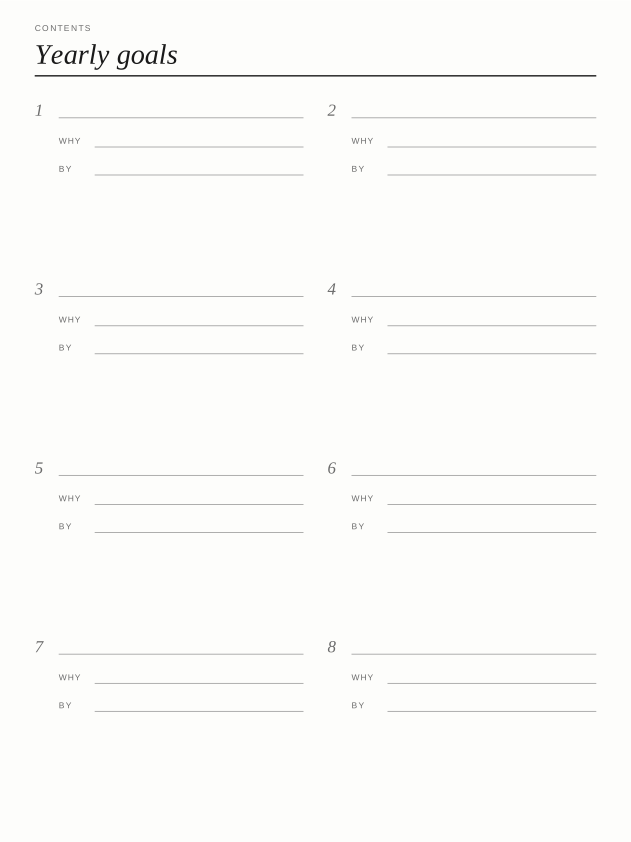
Goal Planner$2.99
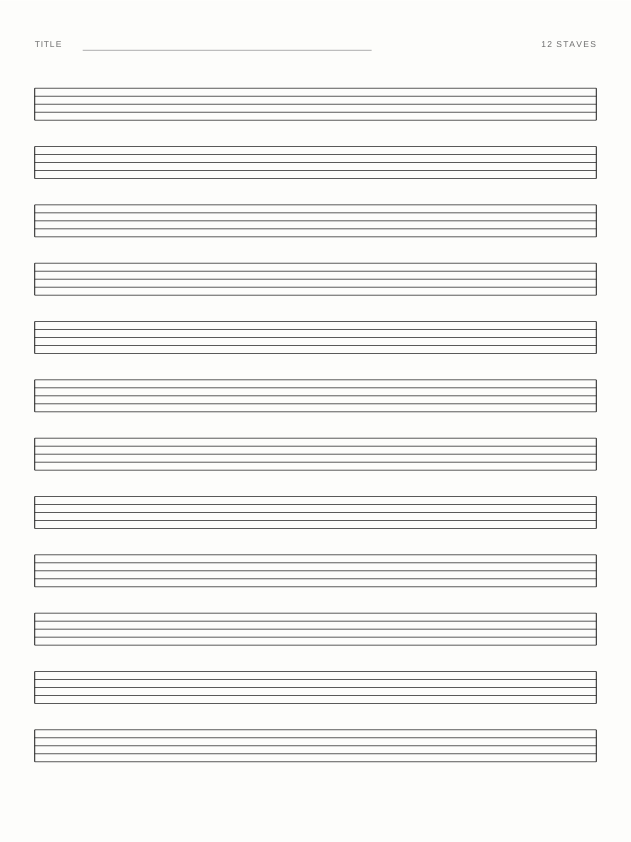
Staff Paper Set$2.99
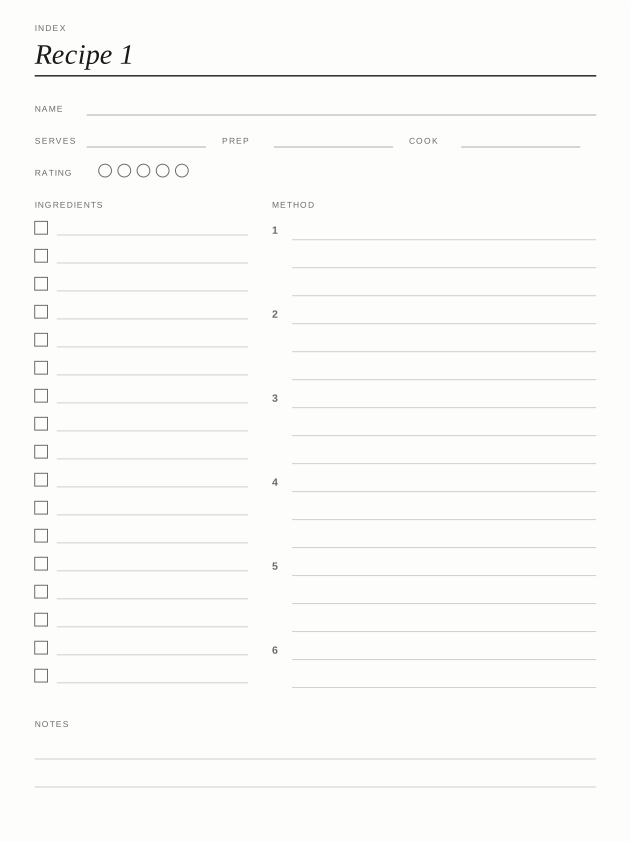
Recipe Book$2.99
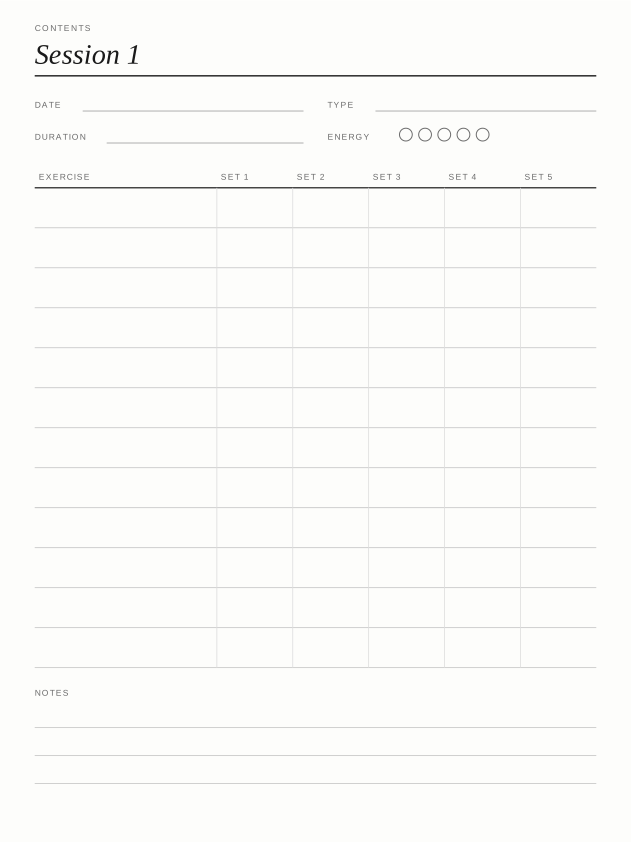
Workout Log$2.99