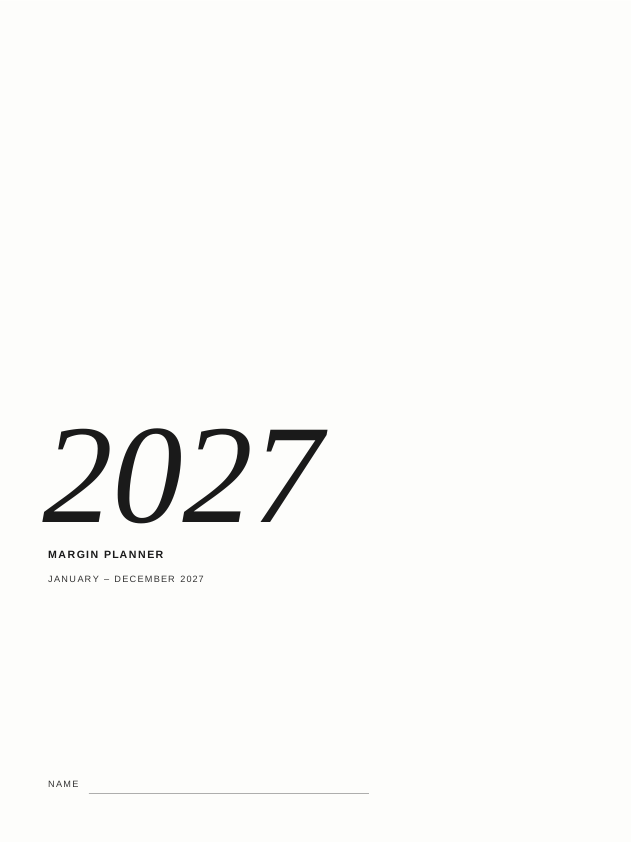
Preview shown at the size of the reMarkable Paper Pro Move’s screen. Tap the page to zoom in.
Margin Planner 2027 2026: Paper Pro Move
The Margin Planner for the reMarkable Paper Pro Move: the full 2027 year, quarters, months, weeks and three pages for every day, with meetings, lists, a notebook and goals, every page linked, laid out for the Move's narrow screen. October to December 2026 (the last three months of 2026, not the full year) comes free as a separate bonus planner.
PDF · 1603 pages · hyperlinked · Monday or Sunday start, 12- or 24-hour clock, right- or left-handed
- Laid out for the reMarkable Paper Pro Move's 7.3″ colour screen, with 25 rows of 6 mm lines on every page
- Bonus: an October to December 2026 planner, a separate linked PDF, so you can start now
- Year, quarter, month and week pages, every date and week linked
- Three pages a day: Day (the week's dates, 3 priorities and 18 to-dos), Schedule (6 am to 10 pm) and Notes
- Month pages turned sideways: turn off auto-rotate and turn the Move on its side, and the month fills the screen
- Blue tabs, section labels and today, and pale blue weekends
- 100 meetings of two pages each, 100 lists and a 100-page notebook, each with a linked index
- 10 goal pages, a 10-page scratchpad and a running to-do list
- Section icons, quarter and month tabs down the side of every page, and a one-line header
- Monday or Sunday start, 12- or 24-hour schedule
- A left-handed version of each, with the tabs down the right edge, the side where the reMarkable puts its toolbar in left-handed mode
Includes 8 versions: Monday or Sunday start, 12- or 24-hour clock, right- or left-handed. Choose which to download after checkout.
For the reMarkable Paper Pro Move; not yet for the Supernote Nomad. Works on the reMarkable Paper Pro Move. For the reMarkable Paper Pro, reMarkable Paper Pure and reMarkable 2 and other tablets, see the Margin Planner 2027 2026.
Multi-buy: 15% off two templates, 25% off three or more, from any section. The discount is applied at checkout.
The Margin Planner 2027 2026: Paper Pro Move, page by page
How you get it
Straight after checkout you can download the PDF for your tablet. The links are emailed to you too, and your library keeps them for later.
Getting it on your tablet
Each device takes a minute or two. Every device we support has its own install guide, step by step.